
HOW COWORK SETUP WORKS
Four Steps to Working AI Automations
Invite
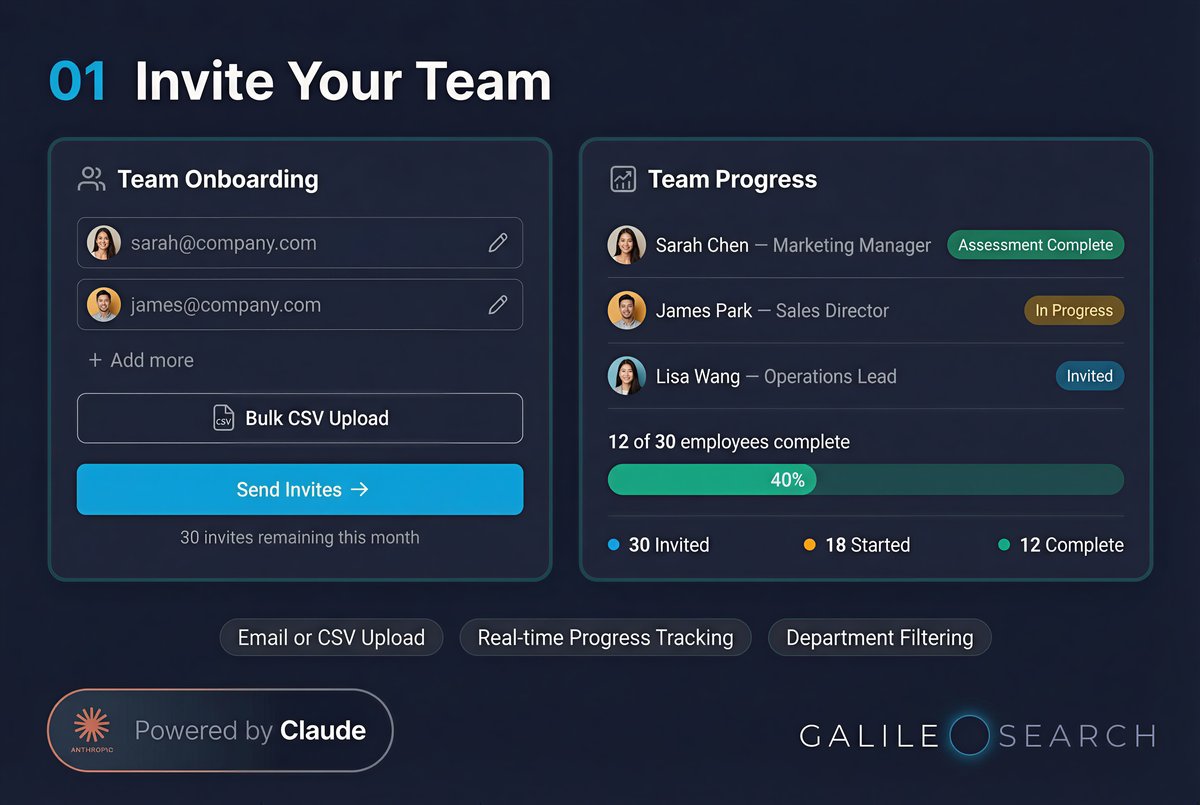
Managers invite team members via email or bulk CSV upload. Each employee gets a personal link.
Assess
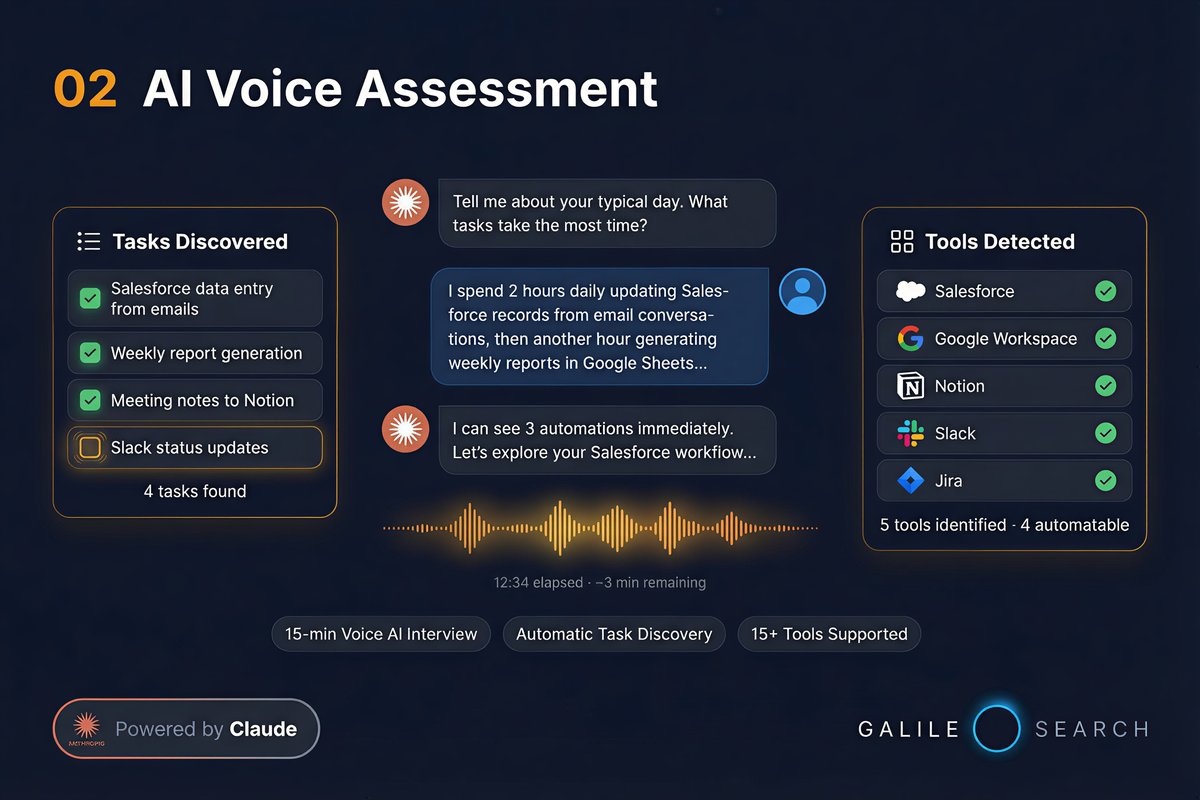
A 15-minute voice AI interview discovers each employee's daily tasks, tools, and manual workflows.
Generate
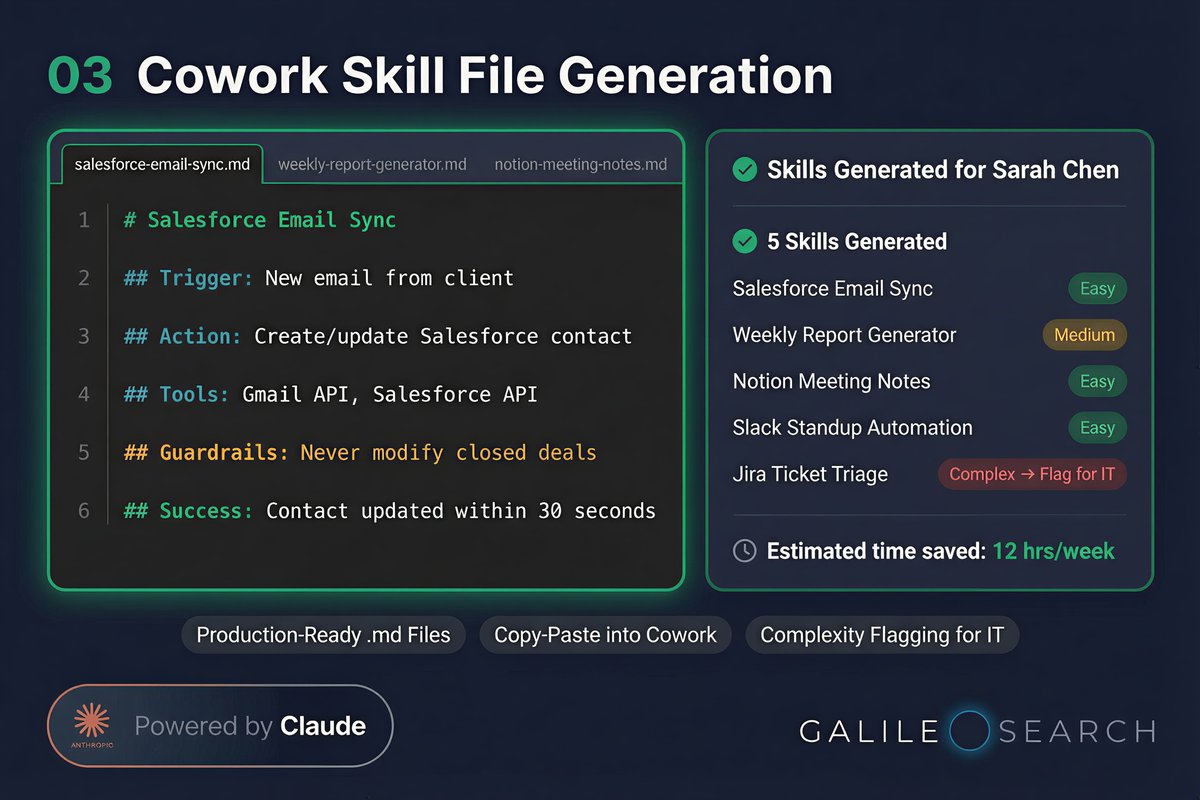
Claude generates 3–7 production-ready Cowork skill .md files per employee with step-by-step setup instructions.
Setup
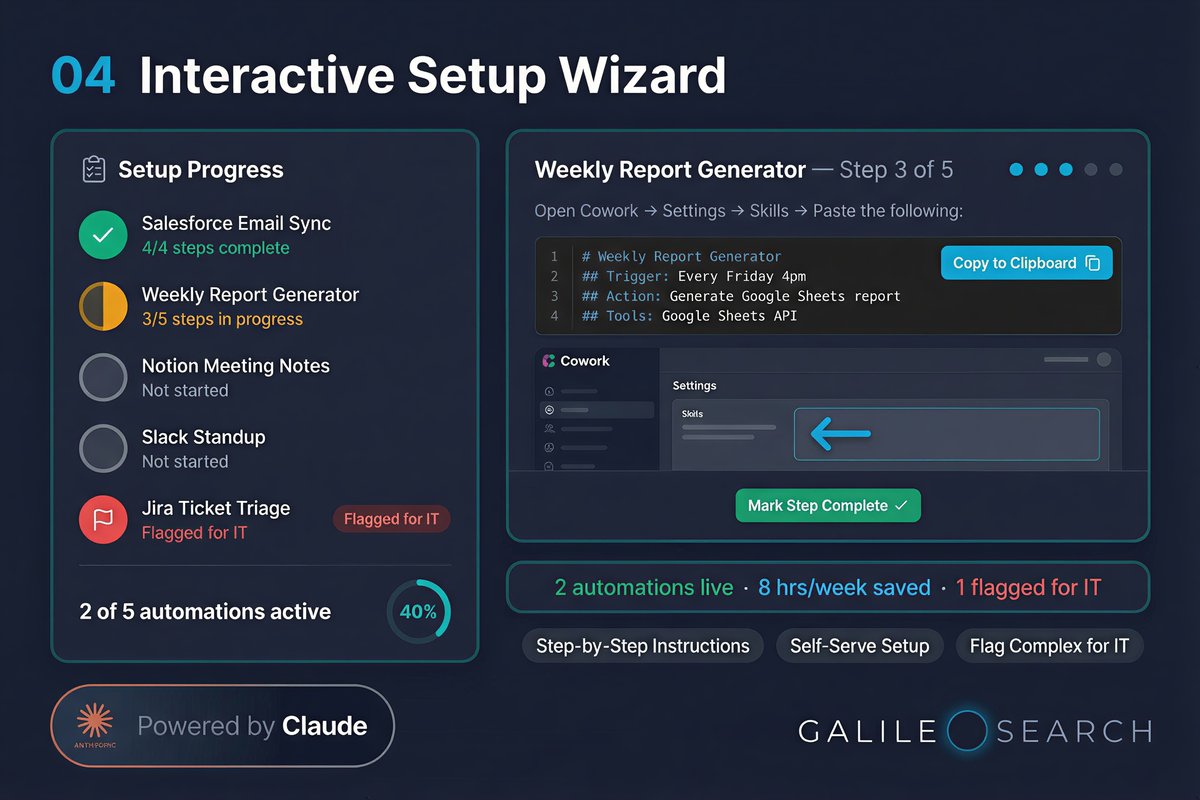
Employees follow an interactive wizard to implement each automation. Flag complex ones for IT.
STEP 1: INVITE YOUR TEAM
Onboard Entire Departments in Minutes
Managers invite team members via email or bulk CSV upload. Each employee receives a personal link to begin their assessment. Track who's been invited, who's started, and who's completed setup — all from the admin dashboard.
Invite your team
STEP 2: VOICE ASSESSMENT
15 Minutes. AI Discovers What to Automate.
Each employee completes a voice AI assessment powered by Claude. The AI discovers their daily tasks, tools, and manual workflows — then identifies 3–7 automations that can be set up with Cowork. They can upload their CV and job spec for additional context.
Complete voice assessment
STEP 4: INTERACTIVE SETUP WIZARD
Self-Serve Setup. No Consultants Required.
Employees follow an interactive wizard to implement each automation themselves. Copy skill files directly into Cowork, follow step-by-step integration guides, and mark each step complete. Flag complex automations for IT with one click. Return anytime to improve your skill files.
Set up your automations
Ready to Set Up Your Team with Cowork?
A 200-person company can go from zero to fully automated in weeks — entirely self-service. Every employee gets personalised Cowork automations. No consultants. No IT bottleneck.